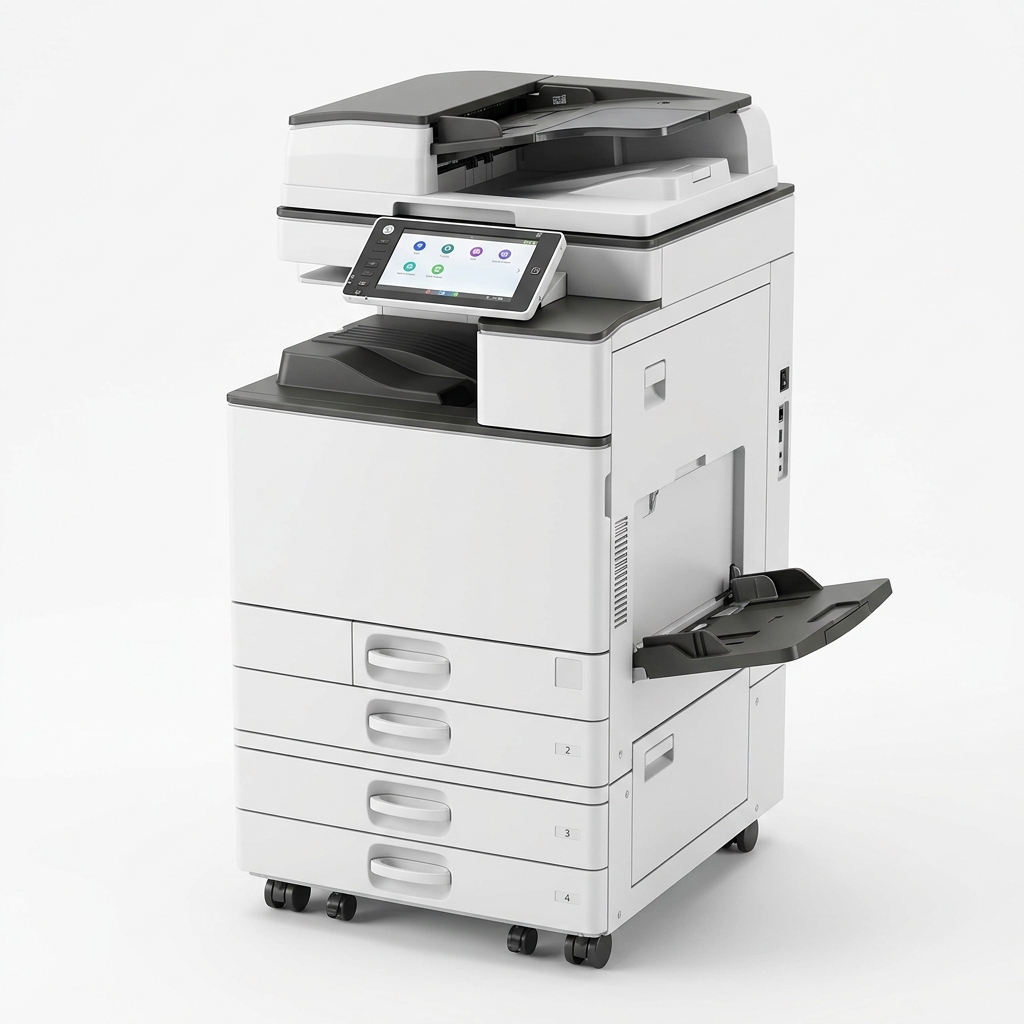
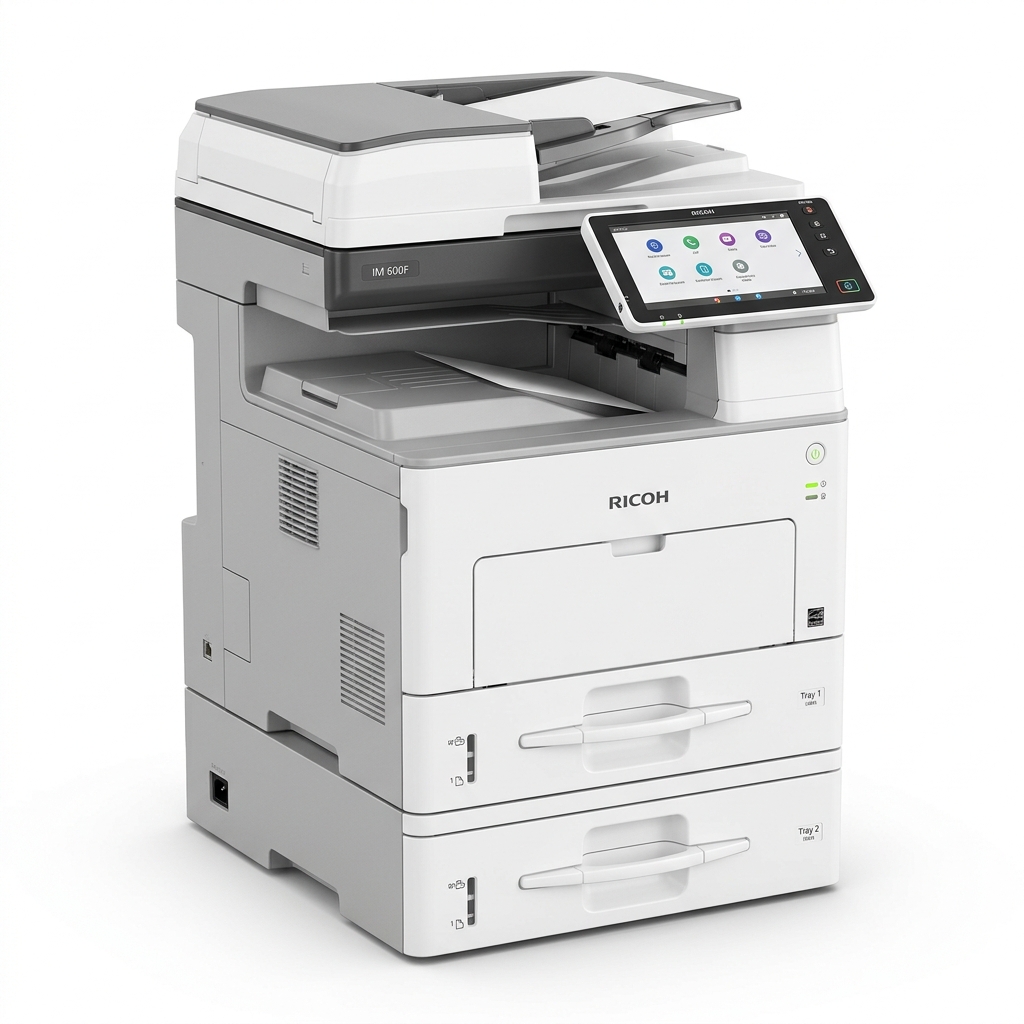
Modern Ricoh multifunction printers (MFPs) are way more than just simple paper copiers. They serve as central hubs for corporate document management and digitizing office archives.
Here are the top 5 features to boost your team productivity:
1. Smart Operation Panel: A large, intuitive touchscreen UI that lets you customize applications and workflows.
2. Network Printing & High-Speed Scanning: Send scanned documents directly to folders or email addresses over the local office network.
3. Mobile & Cloud Compatibility: Print directly from smartphones or tablets using Apple AirPrint, Mopria, or Ricoh Smart Device Connector.
4. Automatic Document Feeder (ADF): Process double-sided scan and copy jobs automatically, saving manual page turning.
5. Robust Security Policies: Restrict access via PIN codes and encrypt hard drive contents to secure corporate data.
Back to All Articles
Top 5 Ricoh Photocopier Features to Improve Office Workflow
By Admin
|
Published: July 15, 2026
EXPLORE MORE